Architect 2.0
What an AI app builder should have: my redesign of Lyzr's Architect, from first-principles discovery to a working product in two days.
Problem
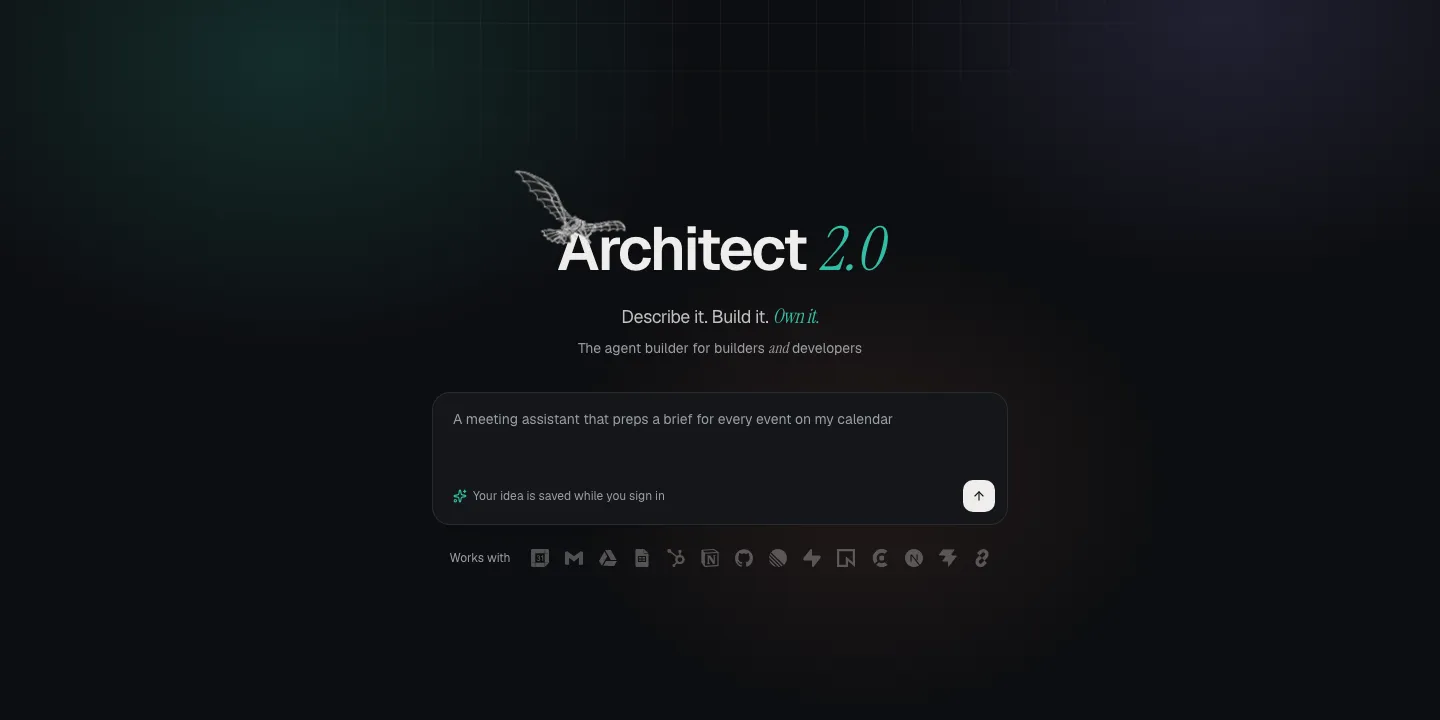
Architect is Lyzr’s tool for building agentic apps from a prompt. I set out to redesign it around what an AI app builder should have. Before designing anything, I used it end to end, and most of what I found was about trust and audience, not missing features:
- Navigation built for browsing, not working. 10 of the 17 sidebar items were learning content, and projects opened in a modal.
- No shared vocabulary. “Project”, “app”, “agent” and “agentlet” overlapped. There were 3 views of projects and 4 places to find ideas.
- It served neither audience. The tagline spoke to “Business Executives & Consultants”, so developers were excluded on the first screen. Non-technical users, meanwhile, saw internals like raw app IDs and
manifest.json. - Silent scope cuts. My prompt asked for briefs, transcripts and follow-up emails. The plan quietly dropped two of the three.
- Surprise cost and time. There was no estimate before committing credits. It promised 4–6 minutes and took about 20.
- “It works” wasn’t true. The app never asked me to connect Google Calendar, so it ran on sample data without me noticing.
- Context switching. Editing an agent sent me to a separate product.
Research
I built “Briefly”, a meeting-brief assistant, end to end in today’s Architect. Then I studied how nine other tools handle the same journey: Lovable, v0, Bolt, Rocket, Replit, Emergent, Cursor, Codex and Claude Code.
The same gaps repeat across the category. Users pay credits while the AI fixes its own mistakes, security is an afterthought, and every tool serves one audience: Lovable and Rocket hide the code, while v0 and Bolt assume a developer.
Decisions
One project, two views. Business users and developers work on the same project. A toggle in the header switches between a Builder view (a readable plan, screens appearing as they’re built, a plain-English checklist) and a Developer view (the same plan as AGENTS.md, a file tree, an editor, live diffs and a terminal). Nothing is duplicated.
Five visible steps: Plan → Connect → Build → Test → Ship.
- Plan: clarifying questions arrive as clickable cards, each with a recommended answer. The plan has an explicit scope list (“in v1” / “later”, with “Add back”), so nothing is cut silently. The cost and time estimate is calculated from the plan, not made up by the model.
- Connect is new: accounts and keys are connected before building, through a consent screen that lists the exact permissions. Choosing sample data instead puts a visible Demo data badge on the app until it goes live.
- Build: you watch the app assemble. It fixes its own errors for free, and stops after three attempts.
- Test and Ship: plain-language checks, then a pre-flight check covering security, secrets, accessibility and sample data before you get a live URL.
Navigation from 17 items to 8. Every existing feature is kept. The prompt library, marketplace and learning resources are grouped into one Explore hub, so the main navigation is for working.
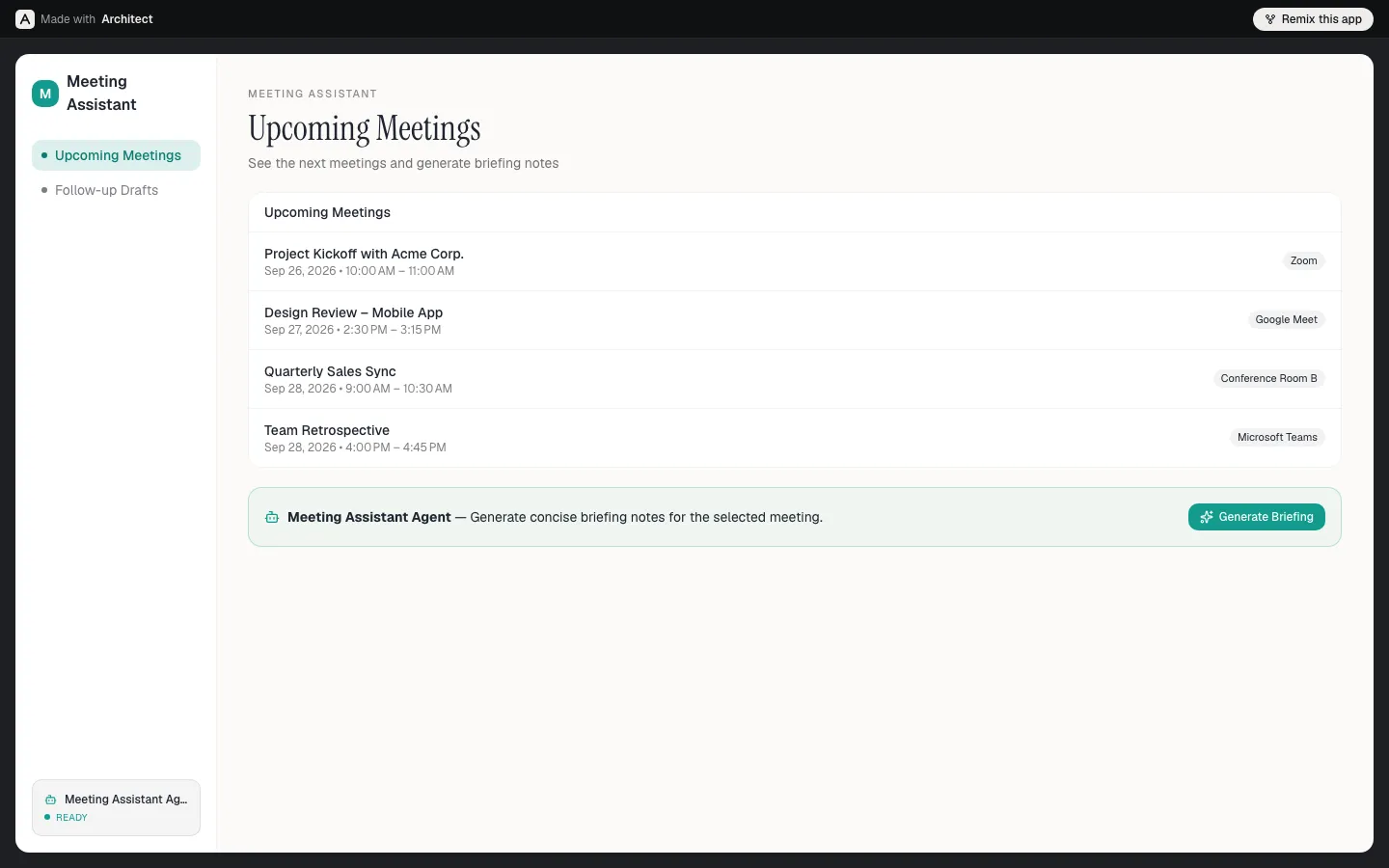
An app built in Architect, running on its public live URL. The agent button runs the real agent on the screen’s data, and anyone can remix the app.
Tradeoffs
Two days isn’t enough to make everything real, so I drew an explicit line and labelled the simulated parts in the UI.
- Real: sign-in with Google, GitHub and email; Postgres with row-level security on every table; AI clarifying questions and plans; AI-generated screens and change requests with diffs; editable code with versions and restore; agent buttons on the live URL; real Google Calendar data; metered AI usage; an encrypted secrets vault; and a security check before Ship.
- Simulated: build-pipeline output, test results, deploy progress, agent traces, GitHub push, and permission screens for third-party tools other than Google Calendar.
Without an AI key, the AI steps fall back to scripted answers, so a demo never gets stuck.
Architecture
Next.js 16 (App Router) and TypeScript, styled with Tailwind and shadcn/ui. Supabase handles auth and Postgres, with row-level security on every table; it also enforces team sharing with Editor and Viewer roles. Planning and agent chat run on Groq (gpt-oss-120b) with strict JSON-schema output validated by zod, so the plan is structured data rather than free text. Monaco powers the code editor and React Flow the agent graphs. Secrets are encrypted with AES-256-GCM, and the whole thing is deployed on Vercel.
Product thinking
The core bet is that trust is the product. Each decision above makes something visible that used to be hidden: what’s in scope, what it will cost, which data is real, and what the AI changed.
The second bet is that business users and developers don’t need separate products. They need two views of the same project, so a business user can start an app and a developer can work on it without exporting anything.
Business value
It opens Architect to developers, an audience the current product turns away on its first screen. Showing the estimate before building and making self-fixes free addresses surprise spend, the most common complaint across the category. And being explicit about sample data and scope means that when an app says it works, it does.
What I’d do next
Real code generation streamed from the agent, real OAuth for third-party tools through a token vault, real metering in place of estimated spend, a CLI or MCP server so Cursor or Claude Code can drive an Architect project, and multiplayer editing.